Customer Service
Customer Service is the agent console for handling customer cases — support requests raised by external customers rather than internal employees. Agents work cases through the same Assigned to me / Open / Closed list views used across other launchpads, and each case follows its own state model with state-dependent actions. Alongside case work, the launchpad also carries the account team’s planning surfaces: sales forecasting, territory and touchpoint planning, field dispatch, and shift scheduling. Customer Service cases are distinct from the Customer Self-Service Portal, the separate, branded surface customers use to submit and track their own cases.
What it covers
Section titled “What it covers”| Area | What you do there |
|---|---|
| Cases | Work a customer case from intake through closure — see Cases. |
| Accounts and contacts | Look up the customer 360: the account, its contacts, tier, and contracts — see Accounts and contacts. |
| Interactions and channels | How a case’s channel and working status are tracked, and where queued work is triaged — see Interactions and channels. |
The navigation rail
Section titled “The navigation rail”The rail on the left is how you move between destinations inside the launchpad:
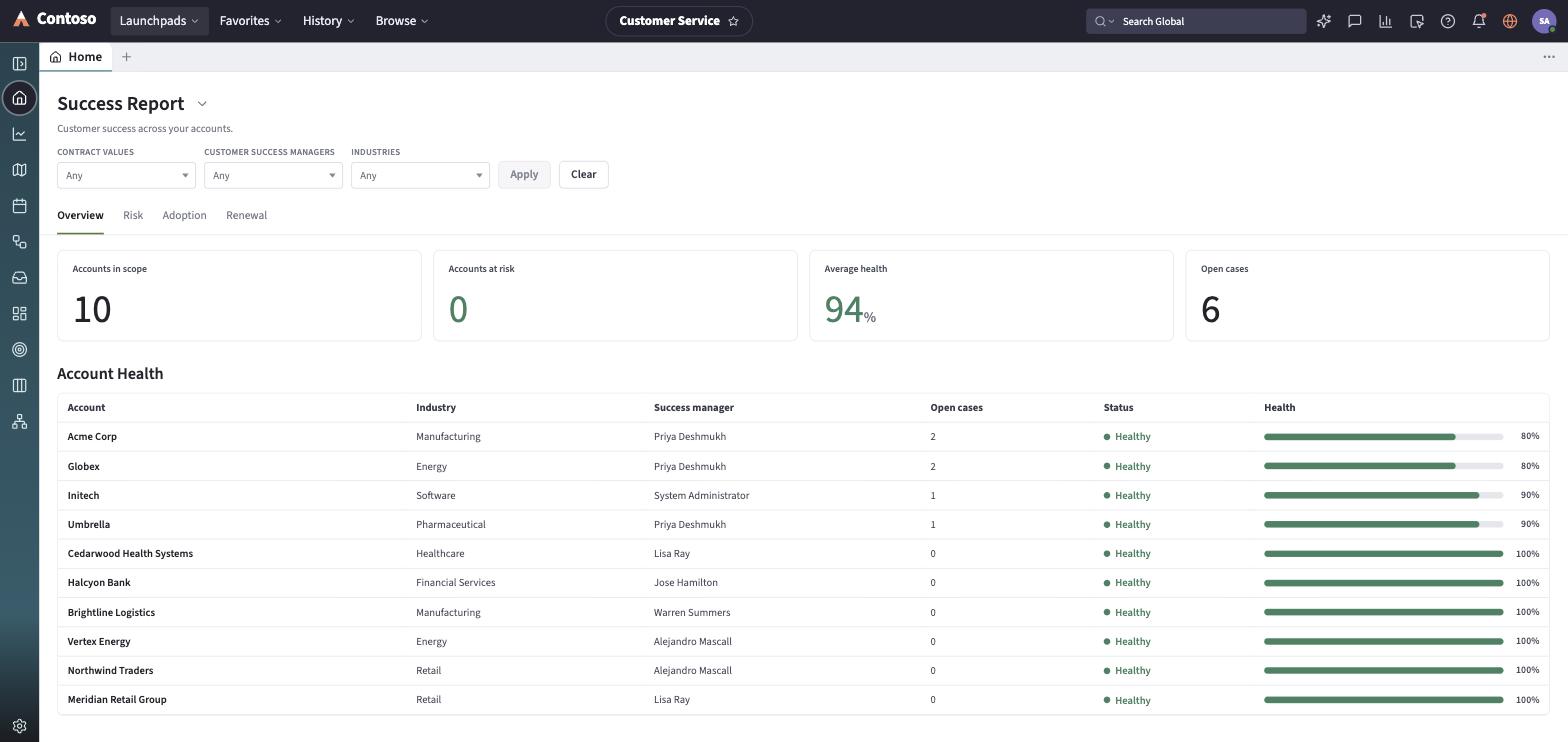
- Home — the agent dashboard: a greeting header, a Get-started banner, and Overview / Your work / Your teams’ work tabs.
- Sales Forecast — a quota-vs-commit forecasting grid (Owner, Quota, Won, Gap, Commit, Upside, Pipeline) for the account team.
- Territory Planning — a map-and-list view of assigned territories, each with an active/inactive status and a favorite toggle.
- Planning calendar — a two-week calendar of field service work orders, with an event-details pane alongside the grid.
- Dispatcher Launchpad — a gantt-style scheduler for assigning field resources (agents, crews, contractors) to work across a rolling four-week window.
- Inbox — your presence status (Available / Busy / Away / Offline) and the work items routed to you.
- Customer Service Manager dashboards — KPI dashboards (CSAT, First Call Resolution, average time to resolution, and major-case impact metrics) with an Overview / Case Spotlight / Agent Analytics tab set.
- Touchpoint Planner — a month calendar for scheduling customer engagements.
- Calendar — the agent’s shift calendar, with tabs for shift sign-ups, team calendar, time-off requests, and shift swaps.
- Channels and queues — the Advanced Work Assignment view of queued work across channels; see Interactions and channels.
Case, account, and contact lists (along with contracts, assets, and knowledge) are reached from the list picker rather than a dedicated rail icon — open any case from Home or a list to land on the case record, which layers a customer-360 panel and SLA indicators on top of the shared record view.
Every list and record you open in this launchpad follows the same toolbar and layout conventions used everywhere else in the app — that shared behavior is documented once in the launchpads/shared guides rather than repeated per module.