Enterprise Portfolio Management
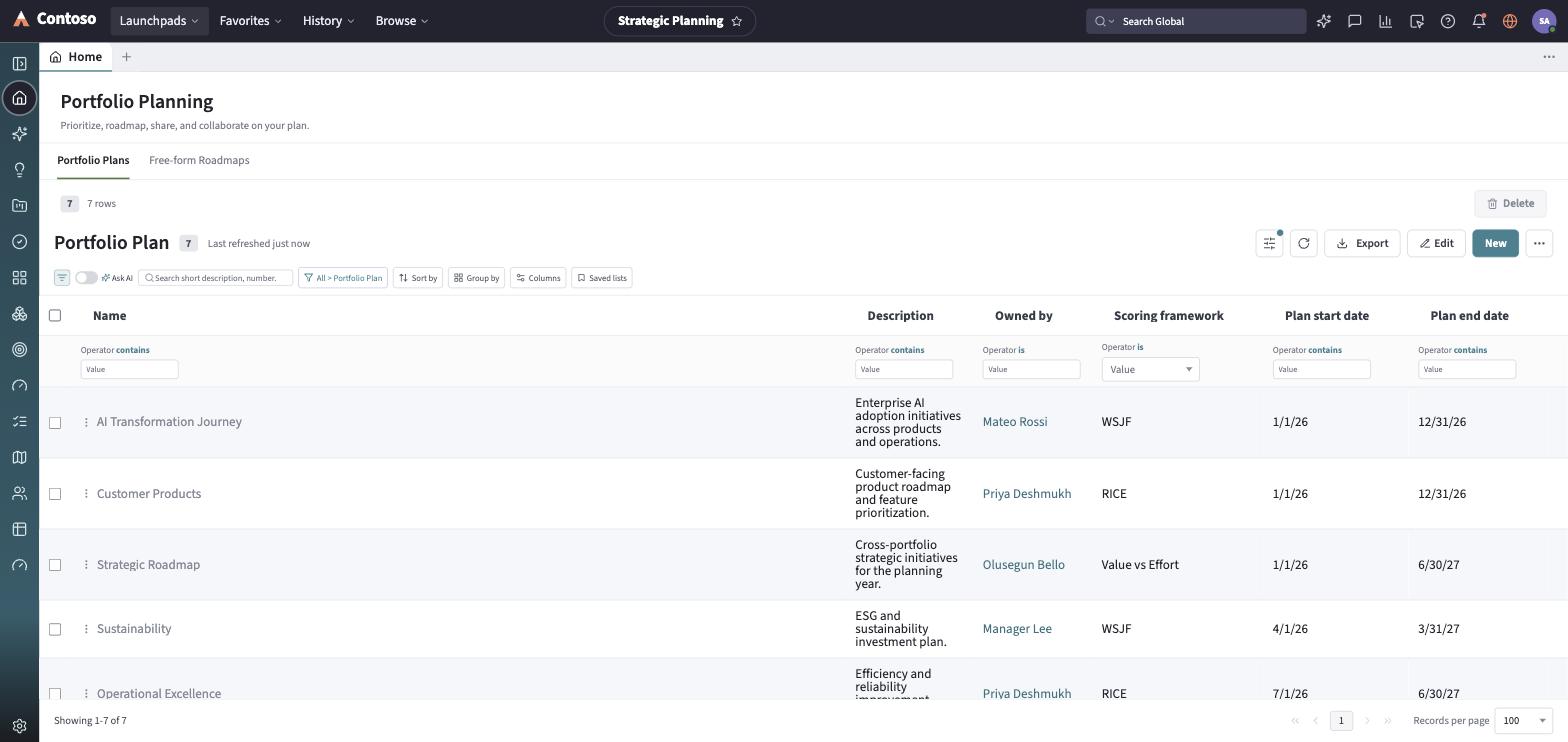
The Enterprise Portfolio Management (EPM) launchpad is where ideas become funded work: an idea is screened and converted into a demand, a demand is qualified and approved into a project, and a project is broken into project tasks that a delivery team executes. Portfolios and programs roll that work up for funding and reporting. On top of the execution funnel, a planning layer — Portfolio Plans, the Roadmap, Goals & Targets, Scoring, and Prioritization — lets an organization decide what to fund and when, and a Resource Management workbench shows whether the teams doing the work have the capacity to do it.
What it covers
Section titled “What it covers”| Area | What you do there |
|---|---|
| Ideas & Demands | Capture an idea, screen and qualify it, and convert it into a demand — see Ideas & Demands. |
| Projects & Portfolios | Run a project through its phases, track project tasks, and see how projects roll up under portfolios and programs — see Projects. |
| Roadmap | Plan strategic work on a date-axis Gantt with milestones and dependencies — see Roadmap. |
| Goals & Scoring | Set goals and quantitative targets, score plan items with WSJF/RICE/Value vs Effort, and prioritize the backlog — see Goals & Scoring. |
| Resource Capacity | Request, confirm, and allocate resource plans against real team capacity — see Resource Capacity. |
The navigation rail
Section titled “The navigation rail”The rail groups into the execution funnel, the planning tools, and cross-cutting destinations:
- Home — the launchpad dashboard.
- Ideas — the idea intake board.
- Demands, Projects, Project Tasks, Portfolios — list entry points for the core execution funnel.
- Programs — the program rollup grouping related projects under a program manager.
- Goals / OKRs — the goal hierarchy and its quantitative/qualitative targets.
- Scoring and Prioritization — the framework-driven scoring grid and the ranked/Kanban prioritization views, both scoped to a Portfolio Plan.
- Roadmaps — the date-axis Roadmap Gantt (and its Owner-grouped Kanban view).
- Resource Management — the Allocation Workbench for resource plans and capacity.
- Reports and Dashboard — cross-cutting reporting, shared with every other launchpad.
Every list and record you open in this launchpad follows the same toolbar and layout conventions used everywhere else in the app — that shared behavior is documented once in the launchpads/shared guides rather than repeated per module.